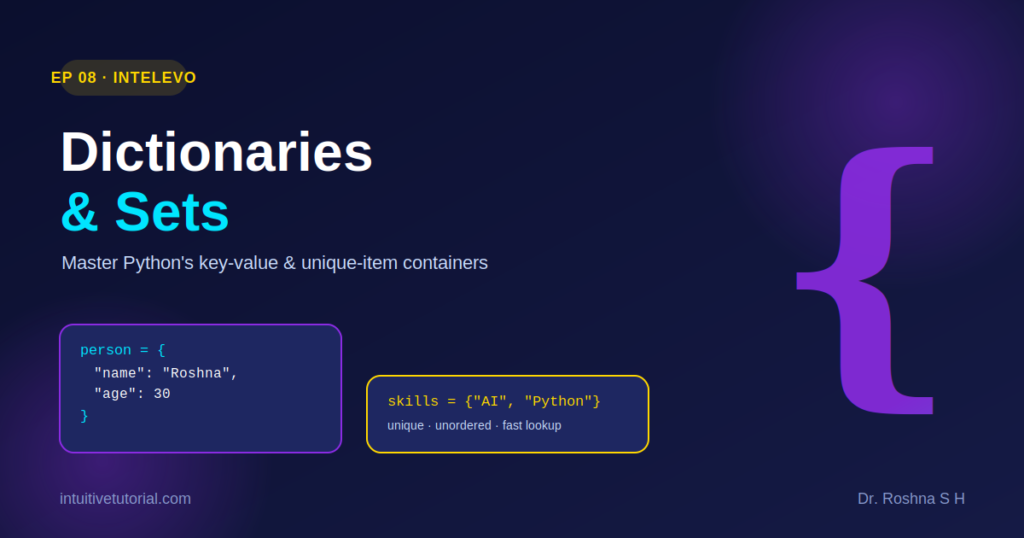
Python offers many ways to store data. However, two structures stand out for their speed and flexibility: dictionaries and sets. In this article, we explore both concepts clearly. Consequently, you can follow along with EP08 of the Intelevo series and reinforce what you learn on screen.
What Is a Dictionary?
A dictionary stores data as key-value pairs. Think of it like a phone book. You look up a name, and you instantly get a number. Similarly, in Python, you look up a key, and you instantly get its value.
Here are the core rules:
- Keys must stay unique.
- Values can be any data type.
- Dictionaries remain mutable, so you can update them anytime.
- Lookups happen instantly, since Python indexes each key.
For example:
contact = {"name": "Asha", "age": 28, "active": True}

# Add or update - keys are flexible!
contact["email"] = "asha@mail.com"
contact["age"] = 29

print(contact)
# {'name': 'Asha', 'age': 29, 'active': True, 'email': 'asha@mail.com'}
Notice how the dictionary grows and updates without any extra effort. As a result, dictionaries work well whenever your data needs clear labels.
Accessing Dictionary Values
Once you build a dictionary, you need safe ways to read it. Fortunately, Python gives you several options:
user.get('age')returns the value forage, or30in this case.user.get('city', 'N/A')returns a default value,'N/A', when the key does not exist. Therefore, your code never crashes on a missing key.'name' in userchecks membership and returnsTrueorFalse.user.keys()returns every key at once, so you can loop through them easily.
These methods protect your code from errors. Meanwhile, they also keep your logic short and readable.
Must-Know Dictionary Methods
Beyond basic access, Python includes several built-in methods. Each one solves a specific, everyday problem:
| Method | What It Does | Example |
|---|---|---|
.get(k, d) | Safely accesses a value, with no error | user.get("age", 0) → 0 |
.update(d2) | Merges another dictionary in | user.update({"age": 25}) |
.pop(k) | Removes a key and returns its value | user.pop("age") → 25 |
.keys() | Returns all keys as a view | user.keys() |
.values() | Returns all values as a view | user.values() |
.items() | Returns key-value pairs together | user.items() |
Together, these methods cover nearly every dictionary task you will face as a beginner.
What Is a Set?
Next, let’s turn to sets. A set behaves like a guest list. No duplicate names get an entry, no matter how many times you add them. Similarly, a Python set automatically removes duplicate values.
Sets follow these principles:
- They allow no duplicate entries.
- You create them with
{ }orset(). - They perform extremely fast membership checks.
- They stay unordered, so you cannot access items by index.
For example:
# Create a set
tags = {"python", "ai"}

# Check membership - super fast!
print("python" in tags)  # True

# This will ERROR!
tags[0]  # TypeError: not subscriptable
Because sets drop duplicates automatically, they excel at one specific job: guaranteeing uniqueness.
Dictionary vs. Set: Which One Should You Use?
Both structures stay unordered, yet they serve very different purposes.
Use a dictionary when:
- You need labeled data.
- Each item requires a key and a value.
- You need fast lookup by key, at O(1) speed.
Use a set when:
- You need uniqueness only.
- You don’t need labels or key-value pairs.
- You still want fast, O(1) membership testing.
In short, choose a dictionary for labeled data. Choose a set for unique data. Once you internalize this distinction, you will pick the right tool instinctively.
Real-World Patterns
Now, let’s apply both structures to common, real-world problems.
Word frequency count, using a dictionary:
counts = {"ai": 5, "ml": 3}
counts["ai"] += 1
Unique visitors, using a set:
visitors = {"u1", "u2"}
visitors.add("u3")
Fast deduping, using a set built from a list:
nums = [1, 2, 2, 3]
unique = list(set(nums))
Bonus: dictionary comprehension. This technique applies the same logic as list comprehension, but for key-value pairs:
squares = {x: x**2 for x in range(5)}
# {0: 0, 1: 1, 2: 4, 3: 9, 4: 16}
Wrapping Up
You have now covered a lot of ground and created and accessed dictionaries. You built unique sets, and you learned to choose between the two confidently. Altogether, these skills form a strong foundation for real Python projects.
Next, in EP09, we move to File I/O and Modules. There, you will read and write files, plus import reusable code. So, stay tuned, and keep practicing what you learned today.
This article accompanies EP08 of the Intelevo YouTube series. For more Python tutorials, visit intuitivetutorial.com.