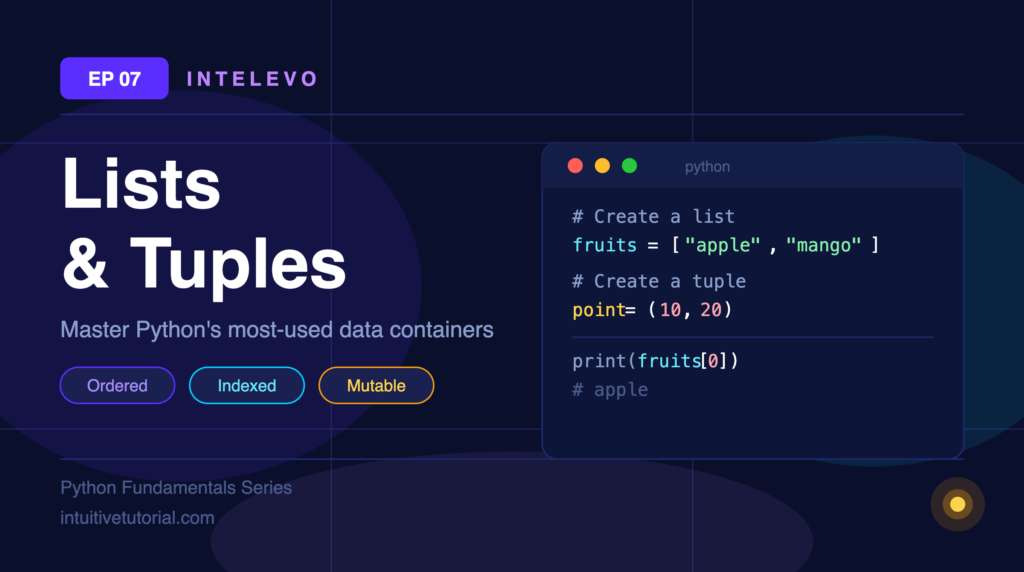
What Are Lists and Tuples?
Python gives you two powerful ways to store ordered data — lists and tuples. Both hold multiple items in sequence, support indexing, and work with mixed data types. Yet they serve very different purposes, and picking the right one matters more than most beginners realise. Lists are flexible and mutable — perfect for data that grows, shrinks, or changes over time.
Tuples, on the other hand, are fixed and immutable — ideal for values that must stay constant and safe from accidental edits. Together, they form the backbone of Python data handling, and you will find them everywhere: in machine learning feature vectors, configuration constants, nested matrices, and everyday scripting tasks. Master these two structures early, and the rest of Python starts to click into place.
Lists — Your Flexible Data Container
Think of a list like a shopping bag. You toss items in, take them out, swap them around. Lists are ordered, indexed, mutable, and allow duplicates.
bag = ["milk", 3, True]

bag.append("bread")   # Add to end
bag[0] = "oat milk"   # Change an item

print(bag)
# ['oat milk', 3, True, 'bread']
Notice that lists hold mixed types — strings, integers, booleans, all together.
Indexing and Slicing
Every item in a list has a position — its index. Python supports both positive and negative indexing.
data = ['python', 42, 3.14, True, 'AI']

data[1:3]   # → 42, 3.14   (index 1 to 2)
data[:2]    # → 'python', 42   (first 2 items)
data[-2:]   # → True, 'AI'   (last 2 items)
data[::2]   # → 'python', 3.14, 'AI'   (every 2nd item)
Negative indices count from the end. So data[-1] always gives you the last item.
Must-Know List Methods
Here are the six methods you will use constantly:
| Method | What it does | Example |
|---|---|---|
.append(x) | Add x to the end | nums.append(99) → [1, 2, 99] |
.insert(i, x) | Insert x at position i | nums.insert(0, 0) → [0, 1, 2] |
.remove(x) | Remove first occurrence of x | nums.remove(2) → [1] |
.pop(i) | Remove and return item at i | nums.pop() → returns 2 |
.sort() | Sort in place (ascending) | nums.sort() → [1, 2, 3] |
.reverse() | Reverse in place | nums.reverse() → [3, 2, 1] |
Tuples — Fixed, Fast, and Safe
Now think of GPS coordinates. Your latitude and longitude don’t change once recorded. That’s exactly a tuple — immutable by design.
location = (8.5241, 76.9366)

print(location[0])  # 8.5241

location[0] = 9.0   # TypeError! Cannot change a tuple.
Tuples use parentheses () instead of brackets. Once created, their values stay locked. This makes them faster than lists and safe from accidental edits.
List vs Tuple — When to Use Which
List [ ] | Tuple ( ) | |
|---|---|---|
| Mutability | Mutable — change freely | Immutable — locked after creation |
| Size | Dynamic — add or remove anytime | Fixed — no append or remove |
| Speed | Slightly slower | Faster and memory-efficient |
| Hashable | No | Yes — can be a dict key or set item |
| Use when | Data changes over time | Data must stay constant |
Real-World Python Patterns
ML Feature Vectors — Store model inputs in a list.
features = [0.9, 1.2, 0.3, 4.5]
model.fit([features])
Config Constants — Use tuples for values that never change.
DAYS = ("Mon", "Tue", "Wed", "Thu", "Fri")
Nested Data — Build matrices with lists inside lists.
matrix = [[1, 2], [3, 4]]
print(matrix[0][1])  # 2
Bonus — List Comprehension — Write one-liners instead of full loops.
squares = [x**2 for x in range(5)]
# [0, 1, 4, 9, 16]
Quick Recap
- Lists store ordered, changeable data. Use
[ ]. - Tuples store fixed, unchangeable data. Use
( ). - Both support indexing and slicing with the same syntax.
- Choose based on whether your data needs to change.
What’s Next?
EP08 — Dictionaries and Sets: Key-value storage and unique collections.
EP09 — File I/O and Modules: Read and write files, import reusable code.
EP10 — OOP Basics: Classes, objects, and real-world modeling.
Watch the full episode on the Intelevo YouTube channel