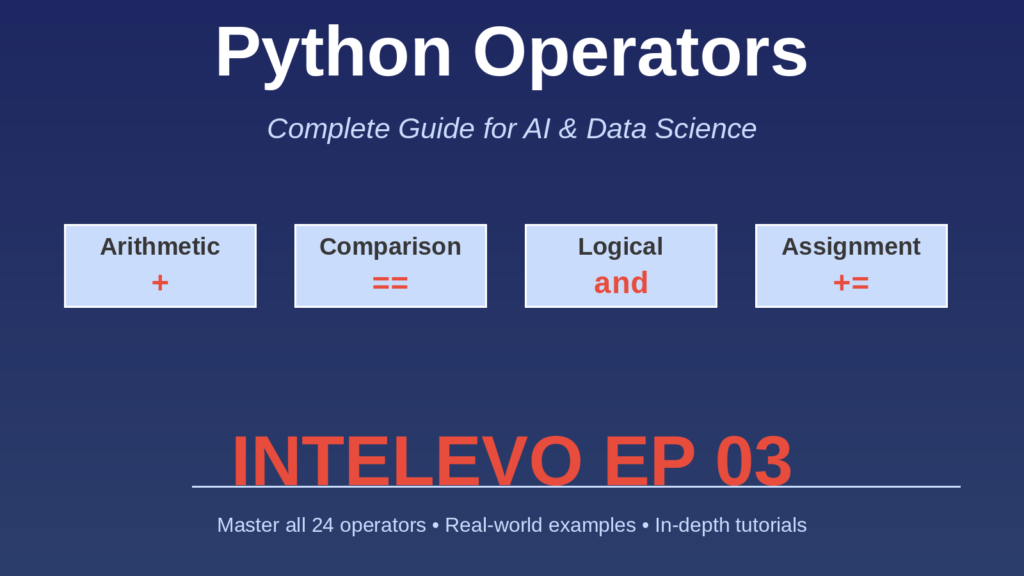
INTELEVO EP 03 - Complete Tutorial for AI & Data Science
In this comprehensive guide: We explore the four fundamental types of operators in Python—Arithmetic, Comparison, Logical, and Assignment. You’ll learn what each operator does, how to use them, and where they appear in real code. By the end, you’ll understand how operators work together to build the logic of every Python program.
Table of Contents
- Introduction: What Are Operators?
- Arithmetic Operators
- Comparison Operators
- Logical Operators
- Assignment Operators
- Summary & Key Takeaways
Introduction: What Are Operators?
If variables are containers that hold data, then operators are the tools we use to work with that data. They’re fundamental to programming.
An operator takes one or more values (called operands) and performs an operation on them, returning a result. Without operators, Python would just be a storage system—unable to do anything useful with the data.
Python has 24 different operators organized into four main categories:
| Type | Count | Purpose |
| Arithmetic | 7 | Mathematical calculations |
| Comparison | 6 | Compare values, return True/False |
| Logical | 3 | Combine conditions |
| Assignment | 8 | Assign and update values |
Arithmetic Operators
Arithmetic Operators perform mathematical calculations on numbers. They work exactly as you’d expect from math class.
The Seven Arithmetic Operators:
1. Addition (+) – Adds two numbers. Example: 5 + 3 = 8
2. Subtraction (-) – Subtracts second from first. Example: 10 – 3 = 7
3. Multiplication (*) – Multiplies numbers. Example: 10 * 3 = 30
4. Division (/) – Always returns float. Example: 10 / 2 = 5.0 (not 5!)
5. Floor Division (//) – Divides and rounds down. Example: 10 // 3 = 3
6. Modulo (%) – Returns remainder. Example: 10 % 3 = 1
7. Exponentiation (**) – Raises to power. Example: 2 ** 10 = 1024
KEY INSIGHT: Division (/) always returns a float in Python 3. Use // for integer results.
Comparison Operators
Comparison Operators answer yes-or-no questions. Every comparison returns True or False.
The Six Comparison Operators:
1. Equals (==) – 5 == 5 returns True
2. Not Equals (!=) – 5 != 3 returns True
3. Greater Than (>) – 10 > 5 returns True
4. Less Than (<) – 5 < 10 returns True
5. Greater or Equal (>=) – 5 >= 5 returns True
6. Less or Equal (<=) – 5 <= 10 returns True
Python Comparison Chaining:
Python lets you chain comparisons: 0 < x < 10 means ‘is x between 0 and 10?’
This is cleaner than (x > 0) and (x < 10).
Logical Operators
Logical Operators combine conditions to create complex decision logic.
The Three Logical Operators:
1. AND – Returns True if BOTH conditions are True
Analogy: Security checkpoint needing BOTH ID and ticket
2. OR – Returns True if AT LEAST ONE is True
Analogy: Cafe accepting EITHER cash OR credit card
3. NOT – Inverts boolean value
Analogy: True becomes False and vice versa
Real-World Example: User Access Control
age = 25
has_license = True
is_insured = True
can_drive = age >= 18 and has_license and is_insured
print(can_drive)  # True
Assignment Operators
Assignment Operators assign and update variable values.
The Eight Assignment Operators:
1. Simple Assignment (=) – Example: x = 10
2. Add and Assign (+=) – Example: x += 5 (same as x = x + 5)
3. Subtract and Assign (-=) – Example: x -= 3
4. Multiply and Assign (*=) – Example: x *= 2
5. Divide and Assign (/=) – Example: x /= 4
6. Floor Divide and Assign (//=) – Example: x //= 2
7. Modulo and Assign (%=) – Example: x %= 5
8. Power and Assign (**=) – Example: x **= 2
Why Use Compound Operators?
Readability: x += 5 is clearer than x = x + 5
Brevity: Less code to write
Efficiency: Slight performance improvement
Summary & Key Takeaways
| Category | Operators | Purpose |
| Arithmetic (7) | +, -, *, /, //, %, ** | Math operations |
| Comparison (6) | ==, !=, >, <, >=, <= | True/False checks |
| Logical (3) | and, or, not | Combine conditions |
| Assignment (8) | =, +=, -=, *=, /=, //=, %=, **= | Assign/update values |
Key Concepts to Remember:
1. Division Always Returns Float – In Python 3, 10/2 returns 5.0, not 5. Use // for integer results.
2. Comparison Chaining is Pythonic – Write 0 < x < 10 instead of (x > 0) and (x < 10).
3. Logical Operators Use Short-Circuiting – Python stops evaluating as soon as it knows the result.
4. Compound Assignment for Efficiency – Use x += 5 instead of x = x + 5 for cleaner code.
What’s Next?
When you write result = 2 + 3 * 4, does Python evaluate it as (2+3)*4 = 20 or as 2+(3*4) = 14?
The answer lies in Operator Precedence. This is covered in INTELEVO Episode 04: Expressions & Operator Precedence.
Practice Exercises:
- Calculate circle area using exponentiation (π * r²)
- Check if a number is within 10-20 range using comparison chaining
- Validate user voting eligibility (age >= 18 AND citizen)
- Calculate compound interest using compound assignment operators
Subscribe to intutiveturial and do watch Intelevo for more comprehensive tutorials.